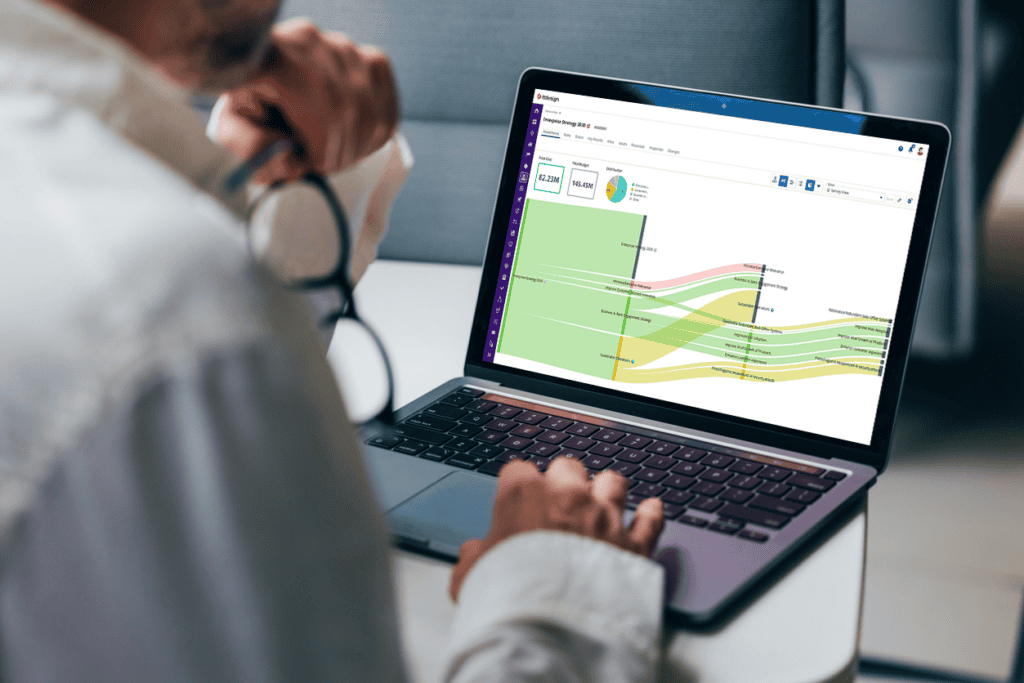

With Clarity 16.5.0, many day-to-day tasks become easier and require less manual effort. You can plan tasks and resources more clearly, automate rules when records are created, and undo your changes in case of any mistake. Funding information and reports are also available more quickly in the context where you need them. This lets you focus more on planning and management instead of searching for information or repeating manual steps.
1. Innovations as a Result of the Customer Voice
With Customer Voice, feedback from the community directly contributes to the ongoing development of Clarity. In Release 16.5.0, this can be seen in enhancements to task planning, Business Rules, and configuration migration. Changes are also easier to undo, making common day-to-day tasks more convenient.
- Business Rules enhancements: Apply rules when creating records with or without a template, as well as notifications directly when records are created.
- Export and import of Blueprints, Views, and menus (Beta): Move configurations between Clarity instances and reduce the manual effort involved in transferring tested configurations.
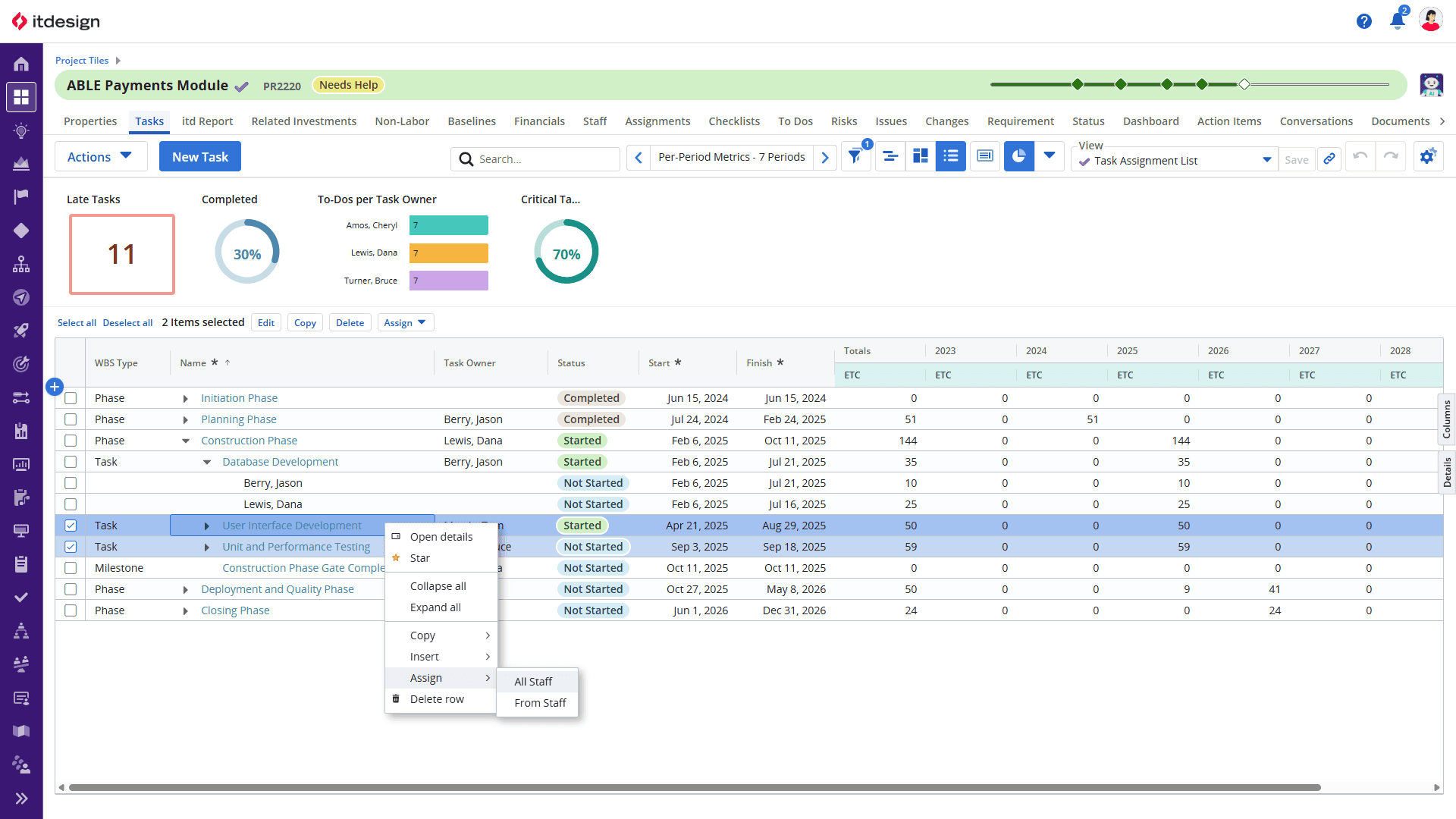
- Undo and Redo within the same layout: Undo or redo changes, including bulk edits, to correct incorrect entries more quickly.
- Task Management enhancements: Assign multiple resources to tasks at the same time and display Tasks together with Assignments and per-period metrics in an expandable tree.
2. Artificial Intelligence in Clarity
With Clarity 16.5.0, Broadcom continues to enhance AI integration through the MCP server. One key focus is making more complex data structures accessible to AI-powered applications and simplifying authentication with the MCP server.
- Connect AI applications to the MCP Server using OAuth
- Faster responses through the MCP Server and reduced token usage
3. Strategic Portfolio Management
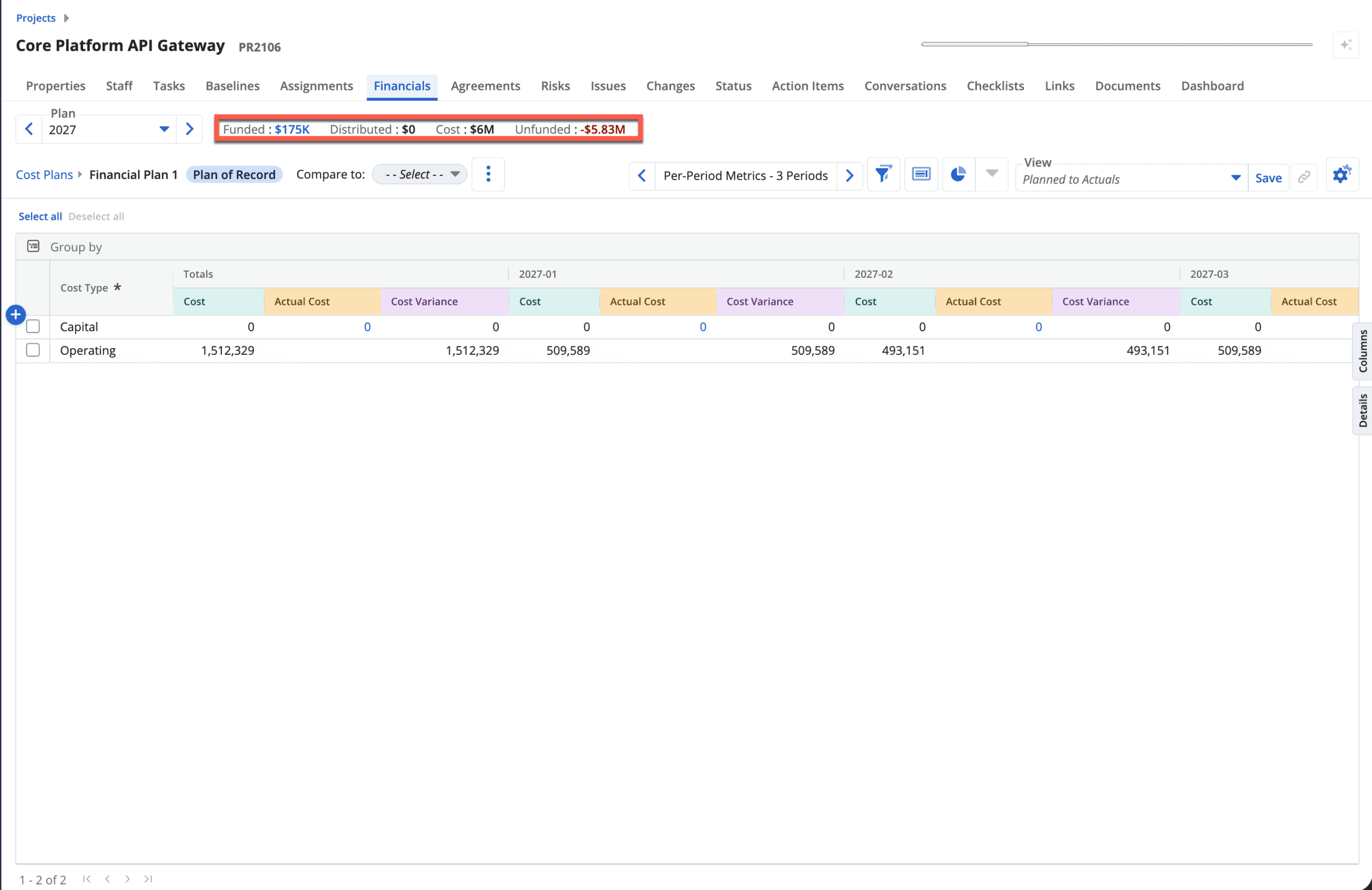
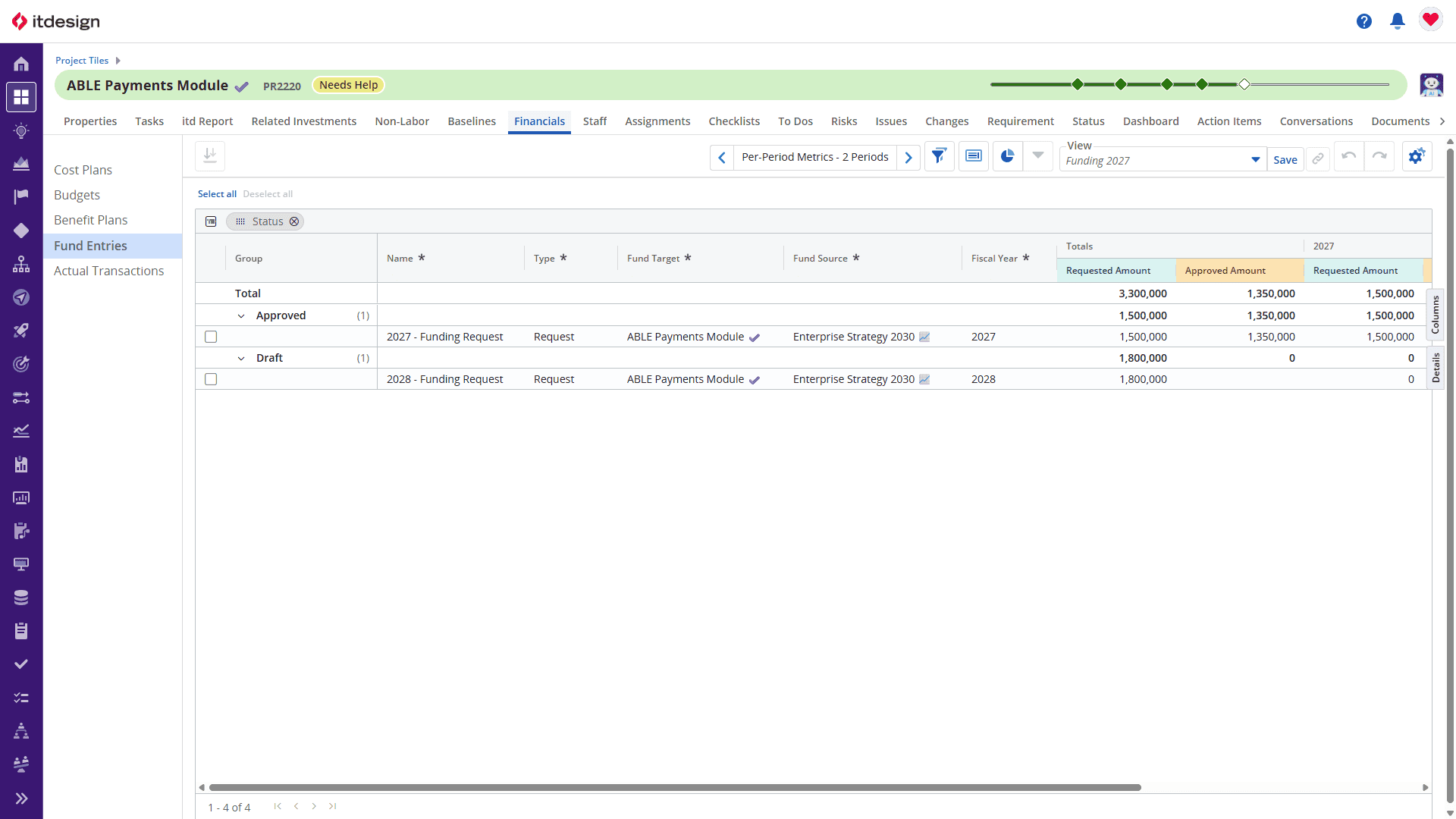
Clarity 16.5.0 provides greater transparency around dependencies and funding in strategic portfolio management. In particular, the new funding capability brings funding requirements and available funds closer to cost planning, helping you identify funding gaps earlier.
- Introduction of Sankey diagrams to visualize relationships and dependencies
- Enhanced process actions for running actions directly on multiple items and subobjects within a Blueprint
- Manage funding requests between investments and compare approved funding directly with planned costs (Beta)
4. Foundations for Future Insights and Reporting
With Clarity 16.5.0, you can integrate reports into your daily workflows more effectively. Relevant reports can be accessed directly from the respective work context, while Responsive Reports can be exported more flexibly or distributed automatically. This gets the information you need where it needs to go faster, making it easier to analyze, share, and use for decision-making.
Report Designer
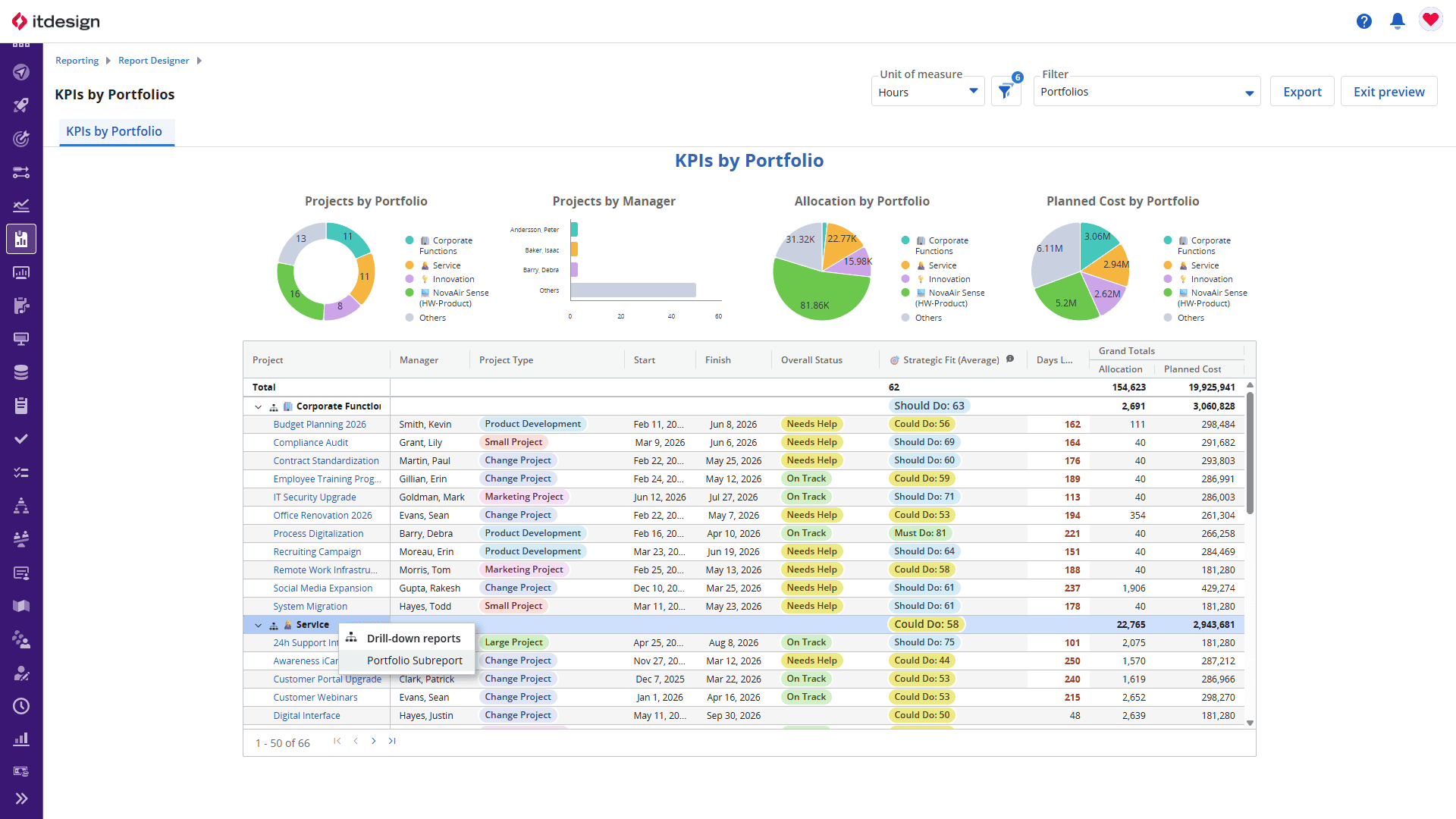
Report Designer becomes more flexible and interactive with Release 16.5.0. You can structure reports more effectively, identify important metrics more quickly, and navigate directly from aggregated information to the relevant details.
- Highlight metrics visually using conditional formatting and symbols
- Display per-period metrics more flexibly, including separate settings by attribute as well as individual formatting and sorting
- Make tables easier to navigate, for example by automatically expanding groups to a defined level or hiding entire columns, and drill down directly from table rows and groups to detail or subreports
Reports
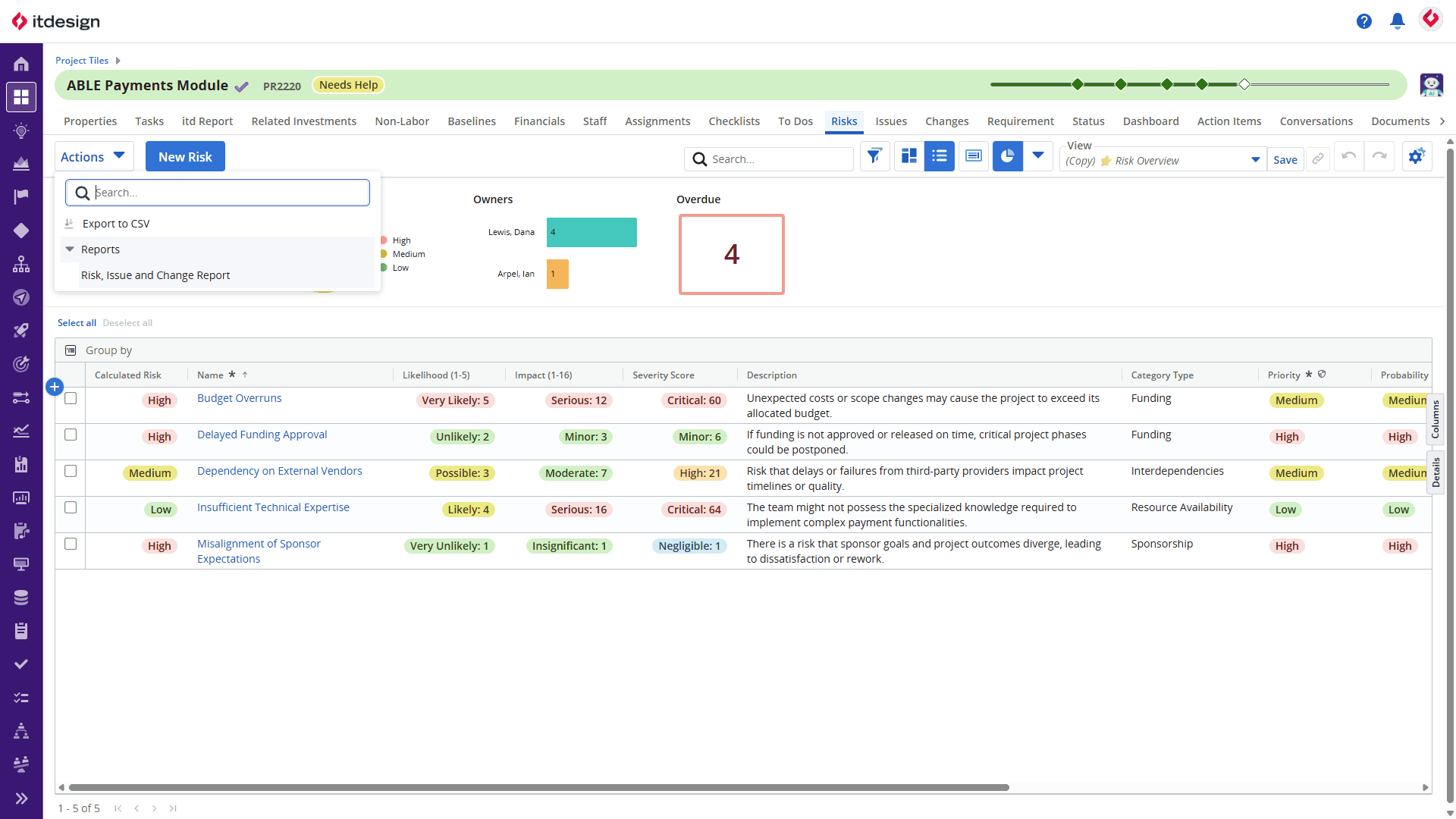
With Clarity 16.5.0, reports can be integrated more directly into existing workflows. Instead of switching to a separate reporting area first, you can launch relevant reports directly from the respective object context.
- Export and schedule reports with the Responsive layout as PPTX and PDF
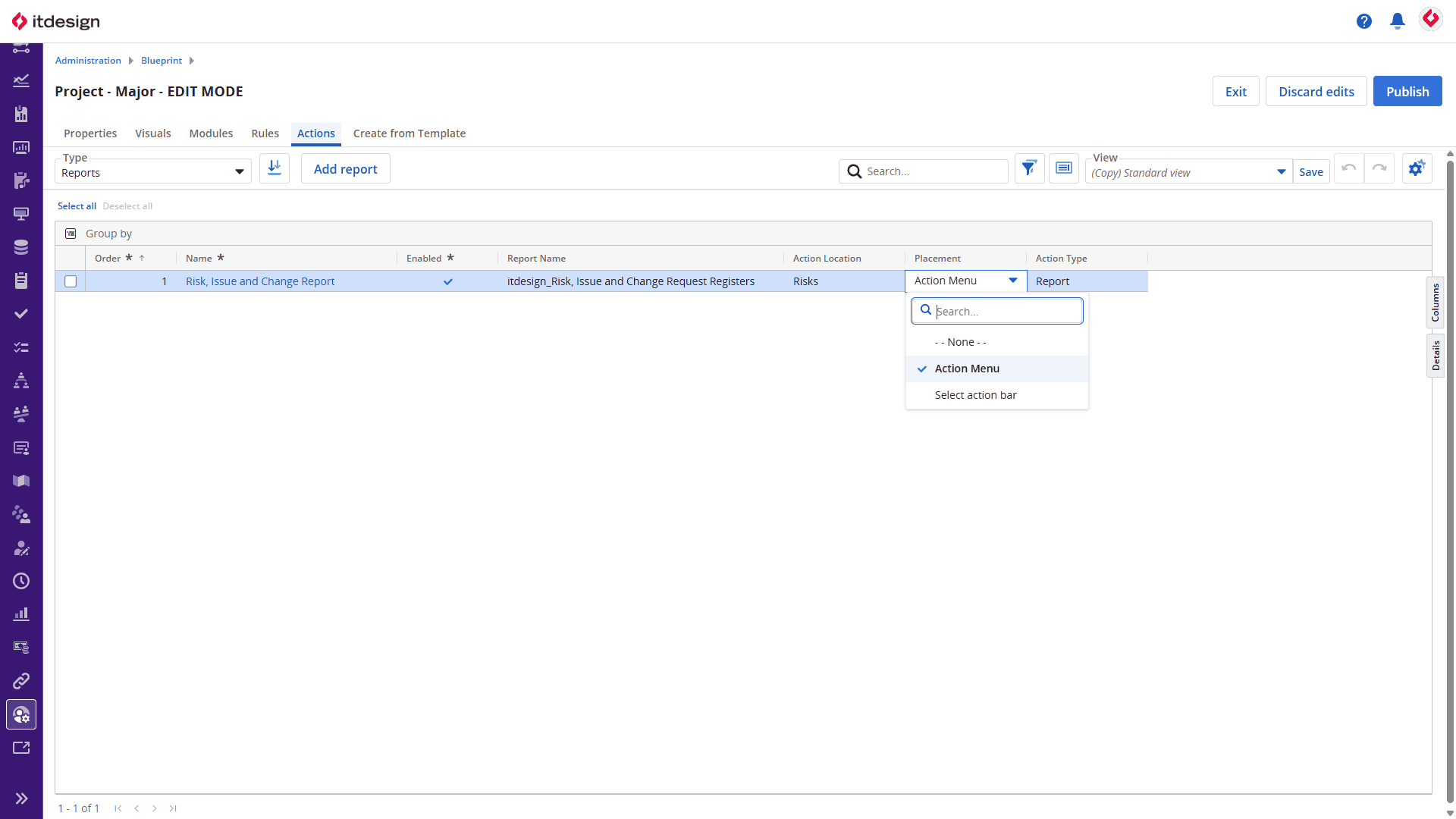
- Add reports as an Object Action and pass parameters to open them directly in the relevant context and restrict the report to the relevant records.
Get Your Upgrade Now!
As the largest Brodacom partner in Europe, we would be happy to give you a personal demonstration of the features of new Clarity release as they relate to your specific application and provide you with the latest version.

Read Next